Customization Options
App Embed Settings
| Setting | Description |
|---|---|
| Brand Logo | Upload your brand logo to display in the widget |
| Theme | Widget color theme (Glance Purple, Glance White) |
| Corner Style | Corner appearance for all UI elements (Rounded, Square) |
| Font Style | Widget font family (Montserrat, TT Commons Pro) |
| Bottom Offset | Adjust vertical position of the floating button (in pixels) |
| Chat Icon | Chat icon position (Left, Right) |
| Rollout Percentage | Control what percentage of visitors see the widget (useful for A/B testing) |
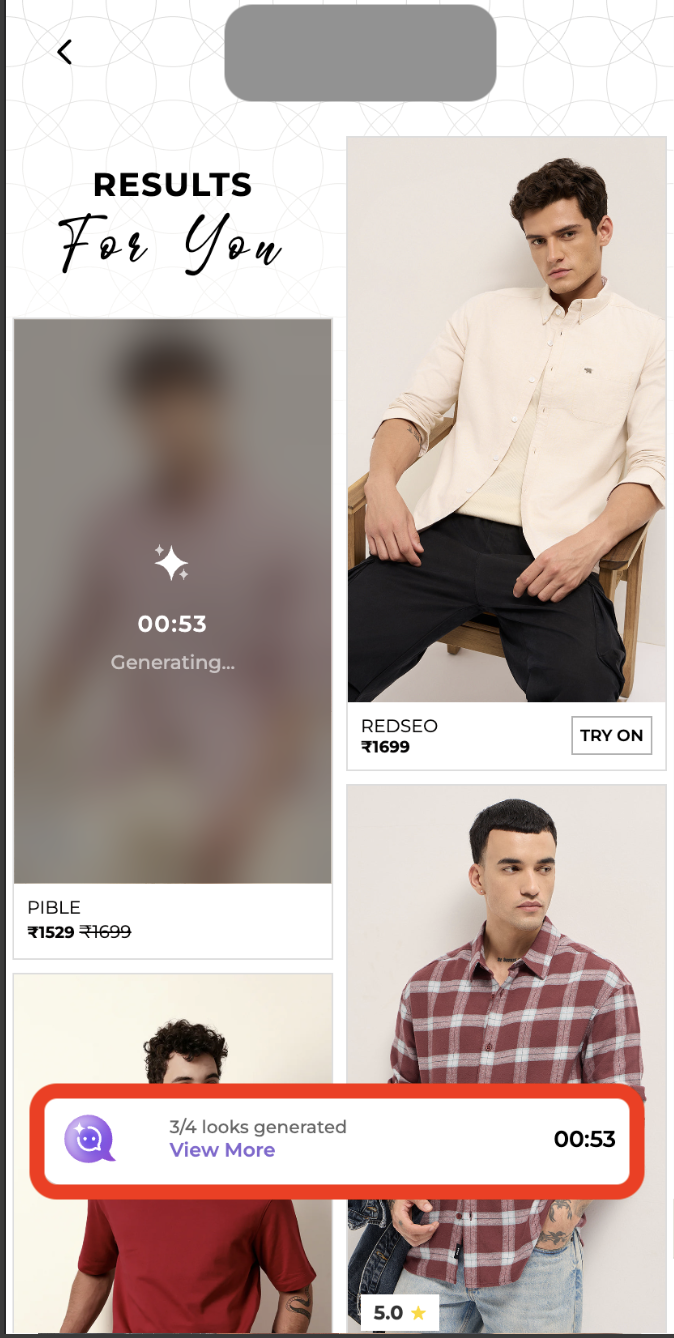
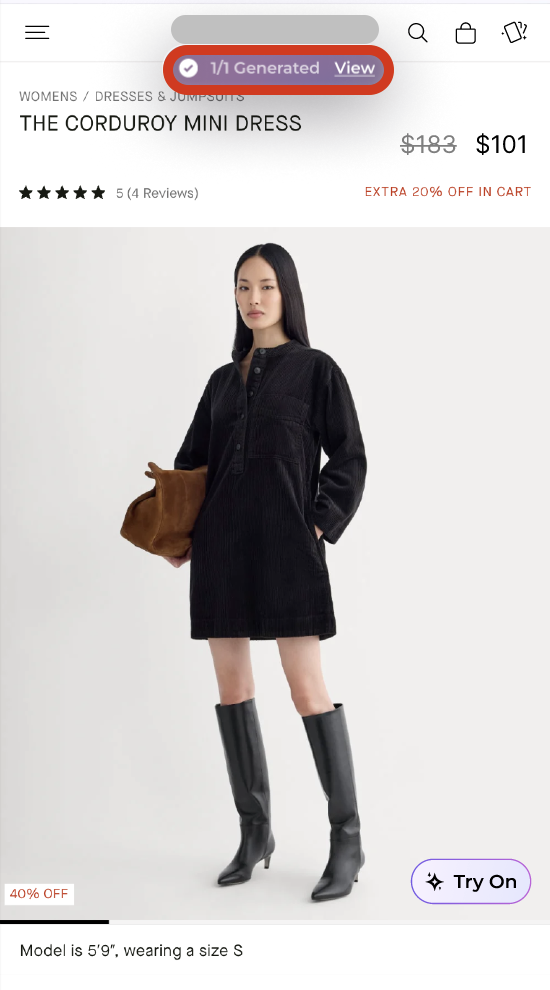
| Gen Timer Widget | When enabled, displays the generation timer at the top of the screen. When disabled, a fixed timer widget appears at the bottom of the screen (position cannot be changed) |
| Generation Nudge Top Offset | Adjust vertical position of the top timer widget in pixels (only applies when Gen Timer Widget is enabled) |
| Timer Widget Enabled | Timer Widget Disabled |
|---|---|
 |
 |
Page Visibility
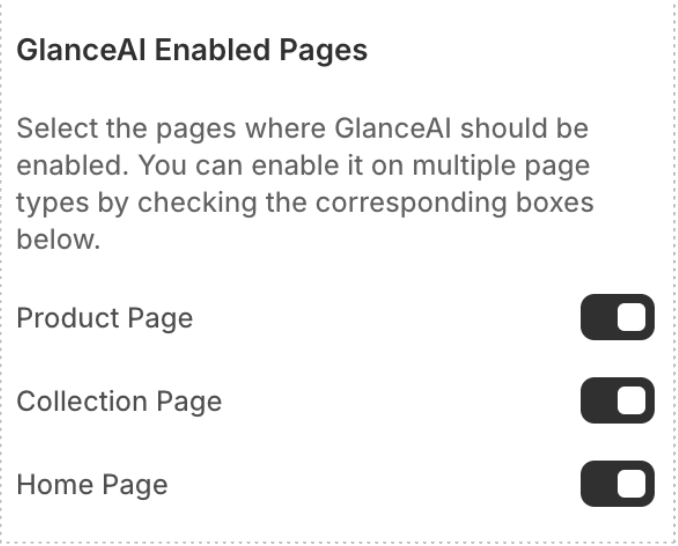
Control which pages display the Glance AI features:
GlanceAI Enabled Pages - Select specific pages where Glance AI should appear - Disable on pages where it's not relevant (e.g., checkout, account pages)
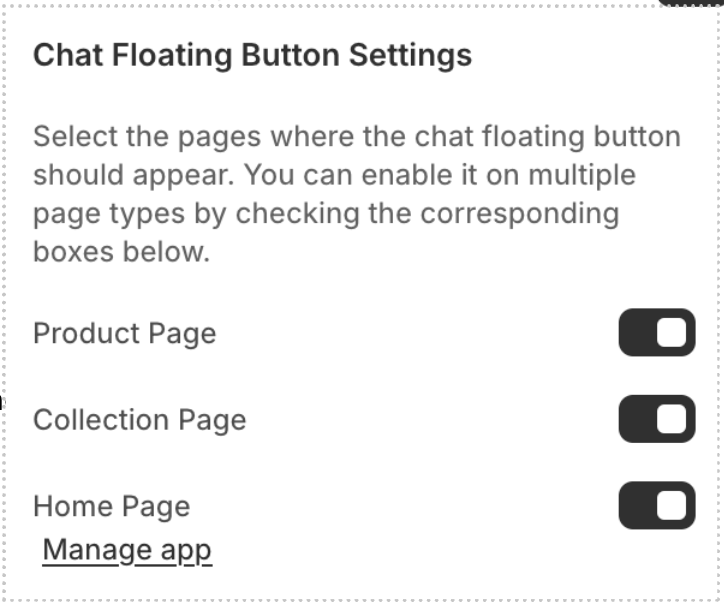
Chat Floating Button - Control visibility of the floating chat icon independently - This only affects the icon, not the chat functionality itself