Installation
This section gets the Glance AI app onto your store and takes you to your Glance home page, where the rest of your setup happens. Work through the steps in order.
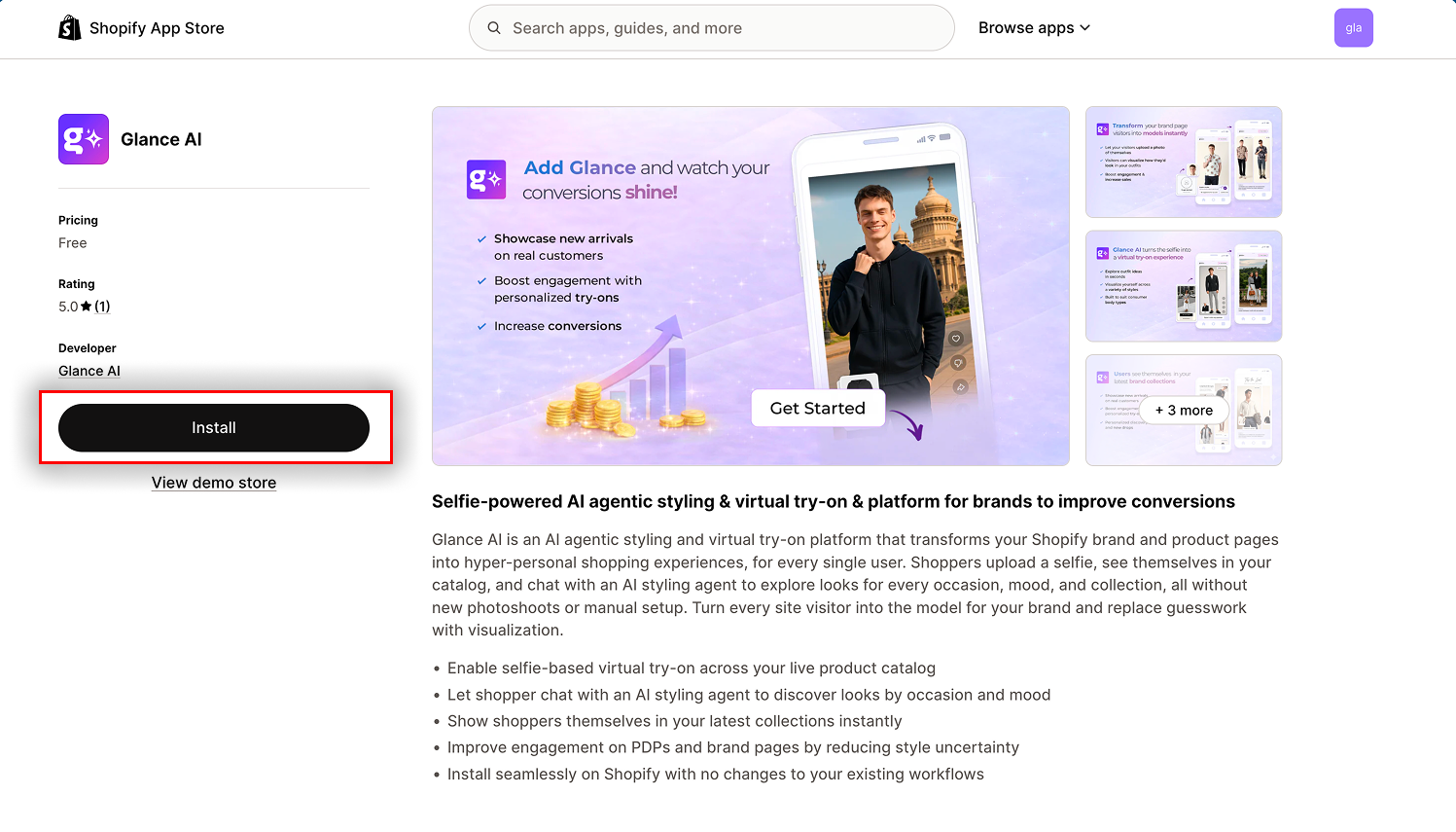
Step 1: Find the App
Tip
Make sure you're signed in to the Shopify account for the store you want to install on. If you manage multiple stores, double-check the store name in the top-right corner before installing.
Step 2: Install the App
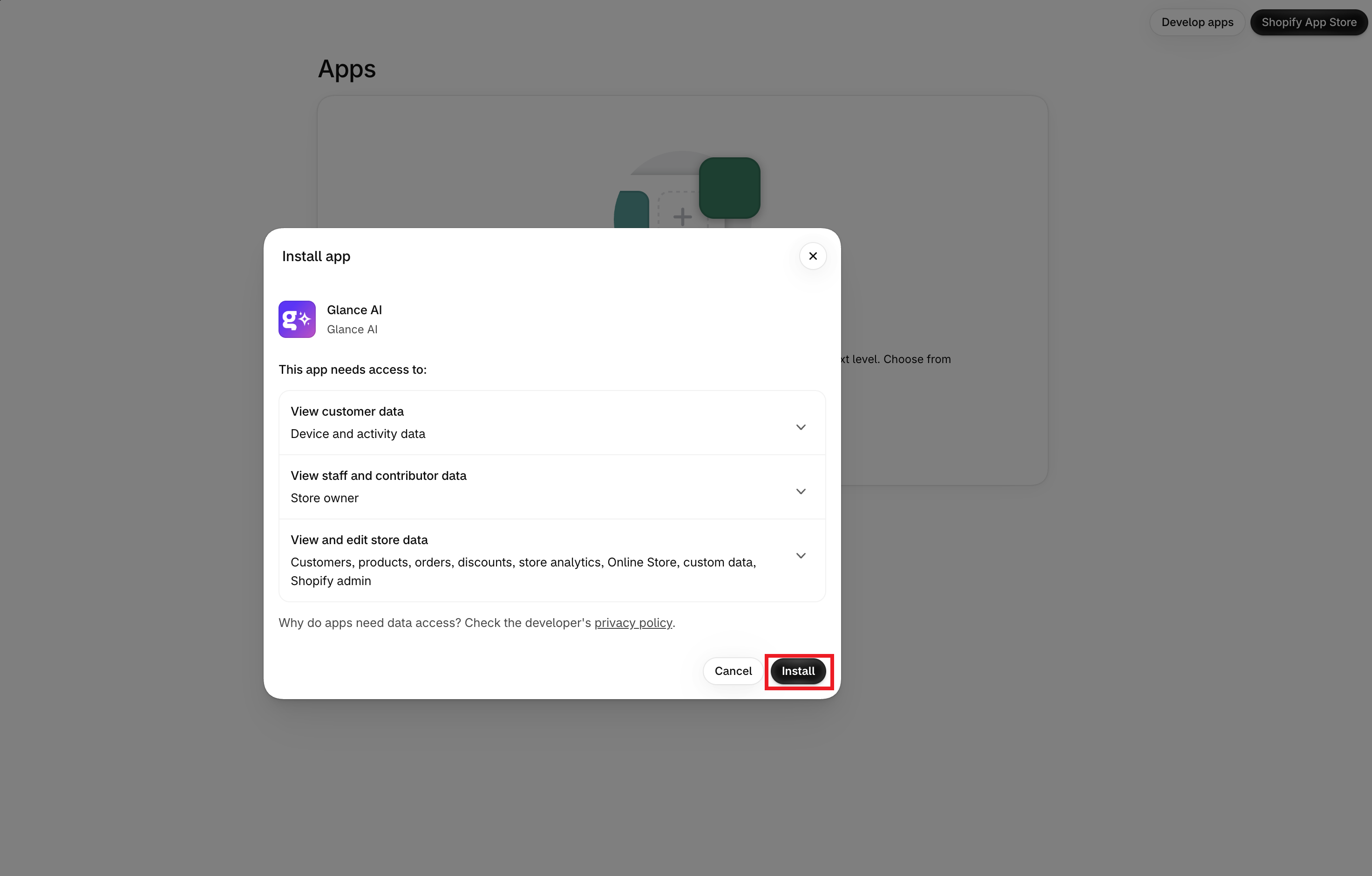
- Click Install on the app listing page
- Follow Shopify's prompts to approve the required permissions
- Open the app from your Shopify admin sidebar
- You'll land on the Glance shopify app dashboard
Step 3: Getting Onboarded
The first time you open the app, a Welcome to Glance popup appears.
- Open the Terms of Service using the link in the popup to review them in full
- Click Proceed
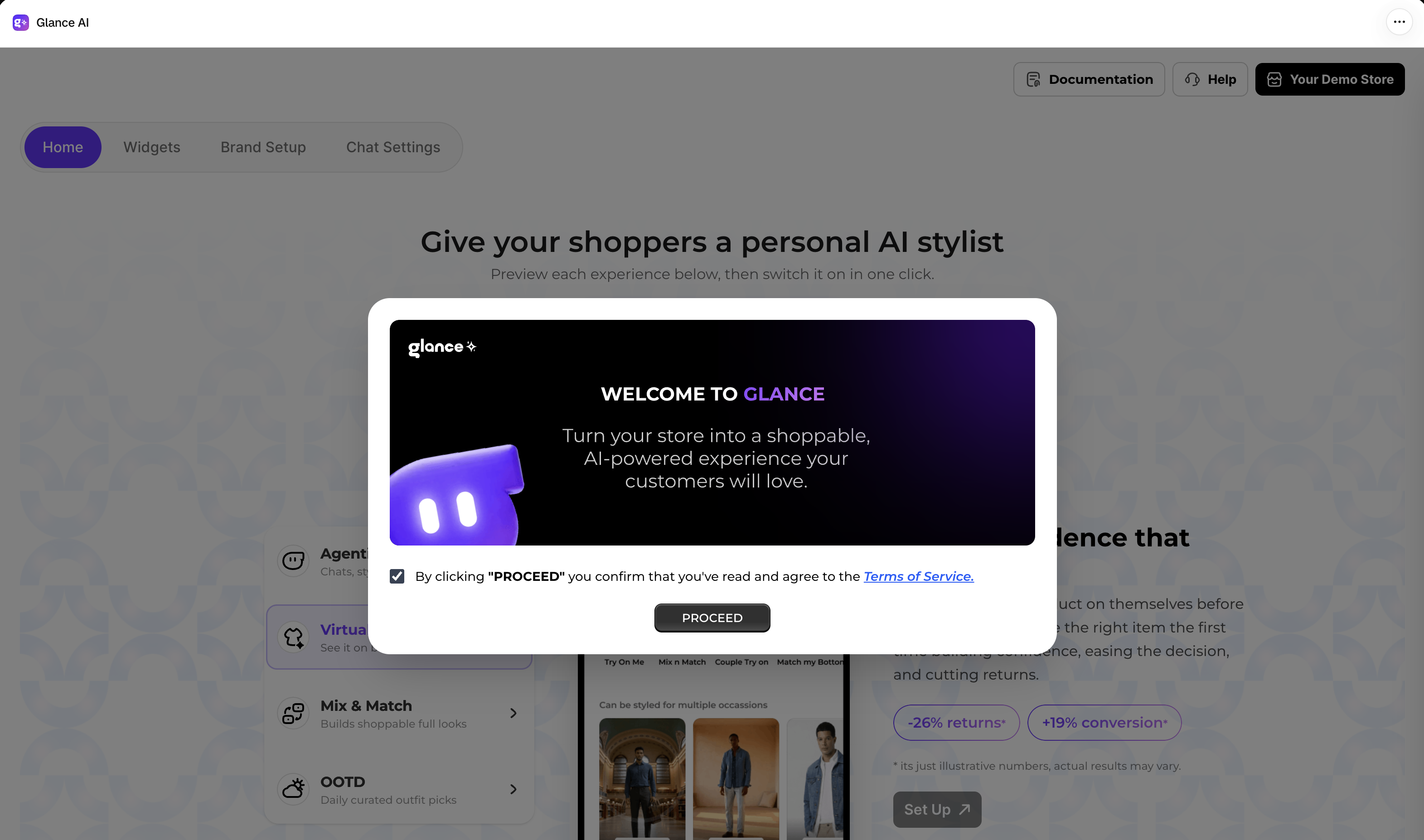
Once you proceed, you'll land on your Glance home page — the central hub where you enable Glance, track your catalog sync, and complete the steps to go live.