Installation
Overview
Glance ingests your product catalog from Shopify to power try-on, recommendations, and search. Catalog integration is part of installing the Glance AI app — the moment onboarding begins, Glance starts syncing your catalog in the background. There's no separate setup: install the app, and the catalog takes care of itself.
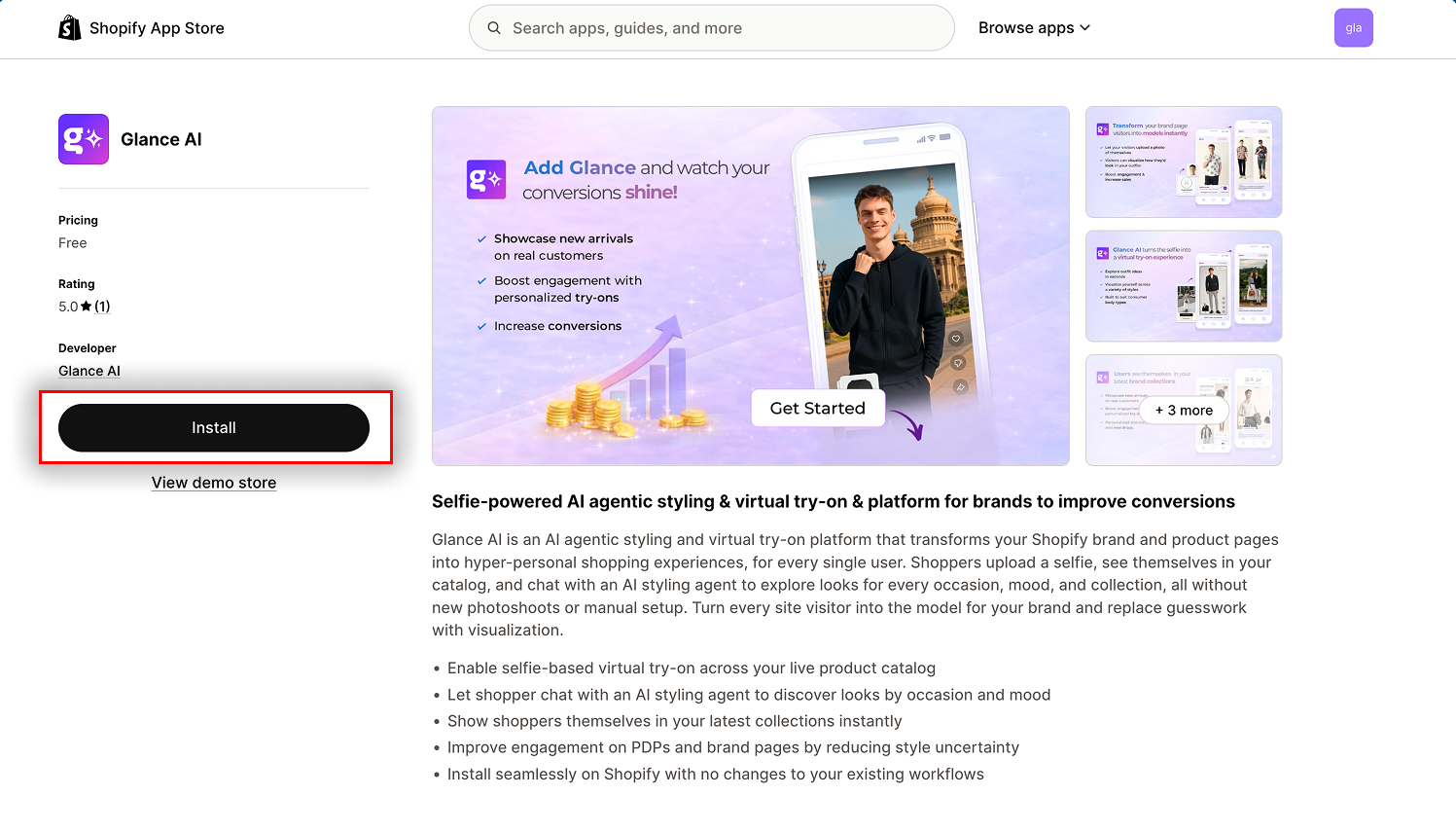
Step 1: Find the App
Tip
Make sure you're signed in to the Shopify account for the store you want to install on. If you manage multiple stores, double-check the store name in the top-right corner before installing.
Step 2: Install the App
- Click Install on the app listing page
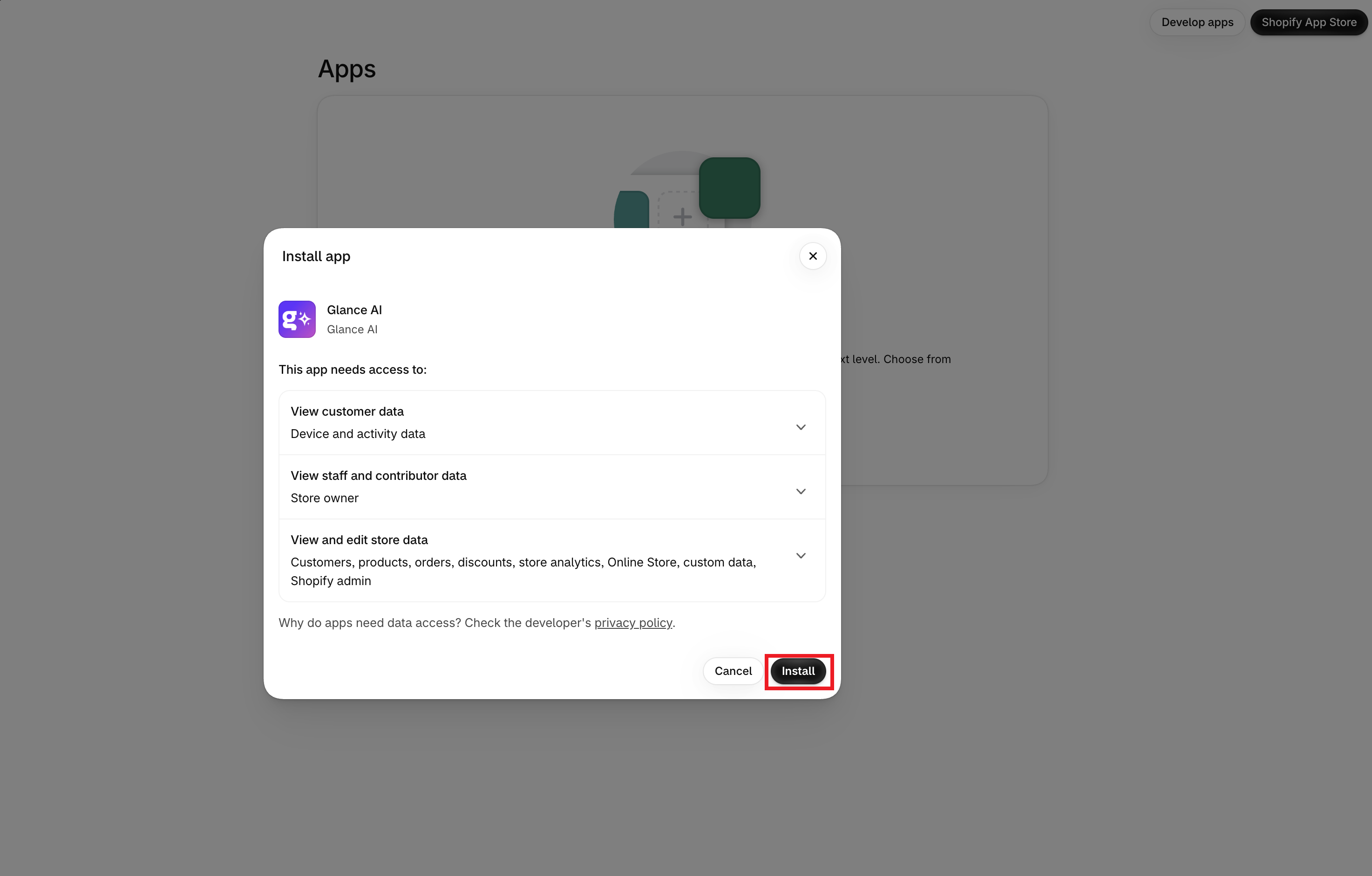
- Follow Shopify's prompts to approve the required permissions
- Open the app from your Shopify admin sidebar
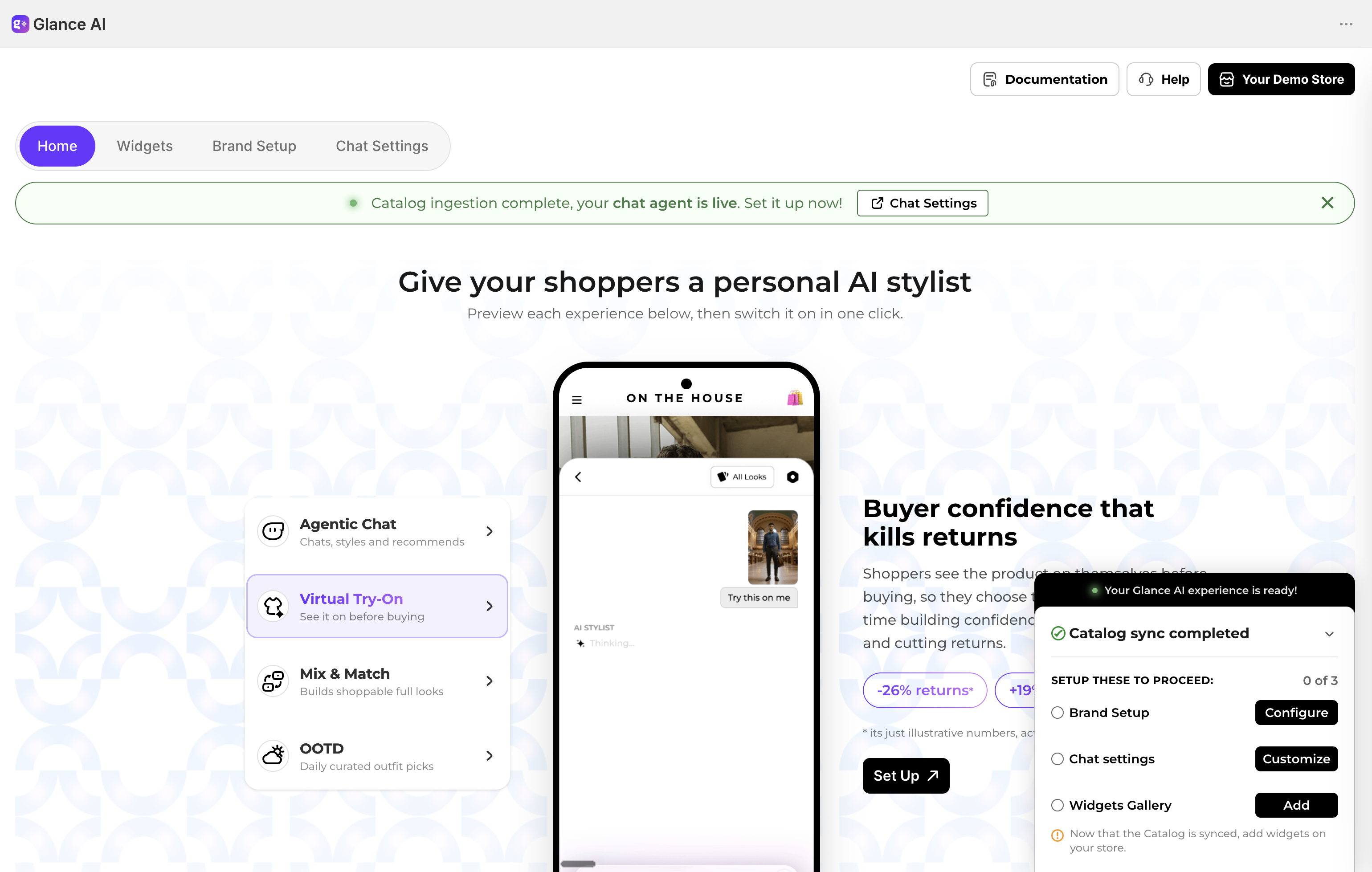
- You'll land on the Glance shopify app dashboard
Step 3: Getting Onboarded
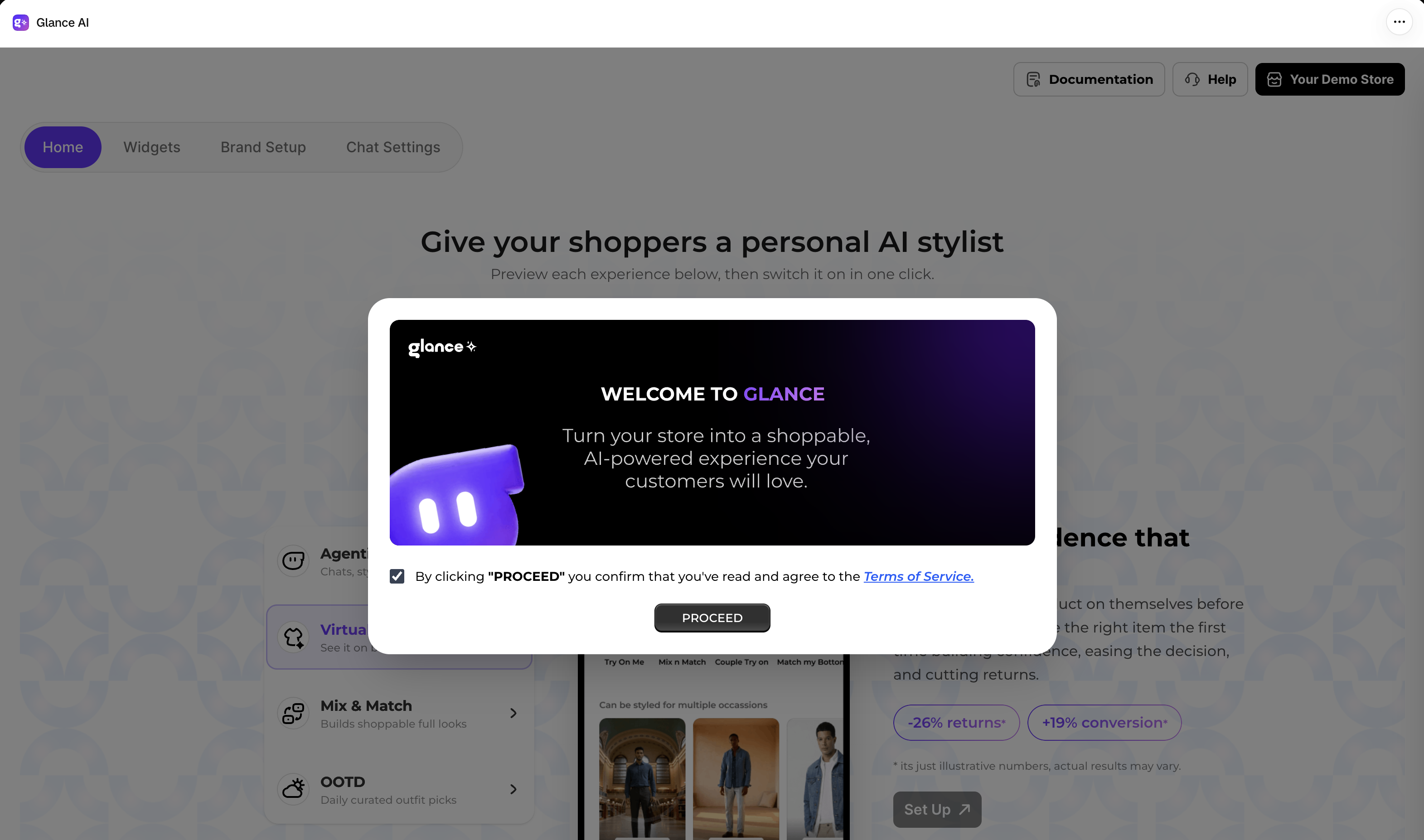
The first time you open the app, a Welcome to Glance popup appears.
- Open the Terms of Service using the link in the popup to review them in full
- Click Proceed
Once you proceed, you'll land on your Glance home page — the central hub where you enable Glance, track your catalog sync, and complete the steps to go live.
Track Your Catalog Sync
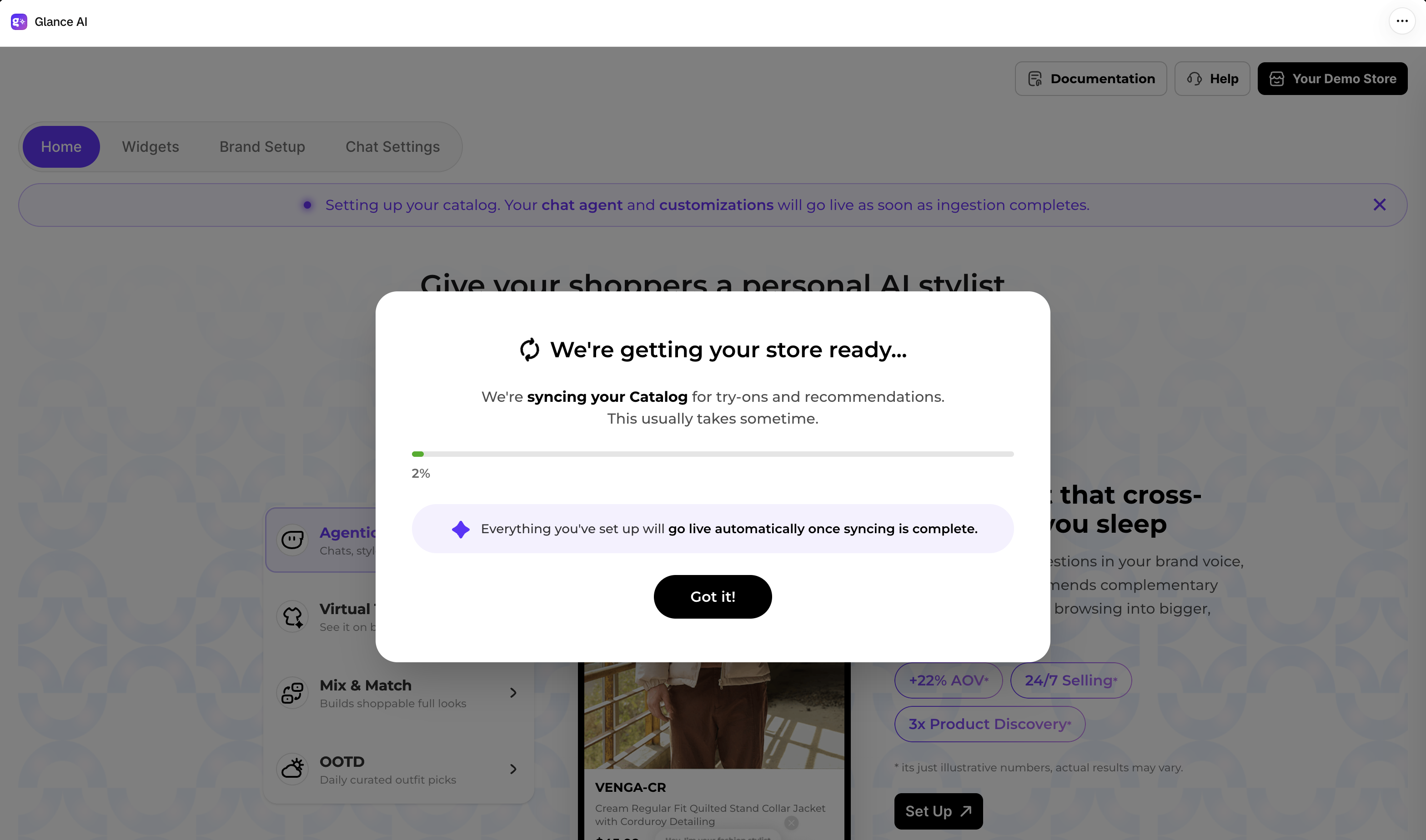
As soon as onboarding begins, Glance starts syncing your product catalog in the background so it can power try-on and recommendations. A We're getting your store ready… popup confirms the sync has started — everything you set up goes live automatically once syncing completes.
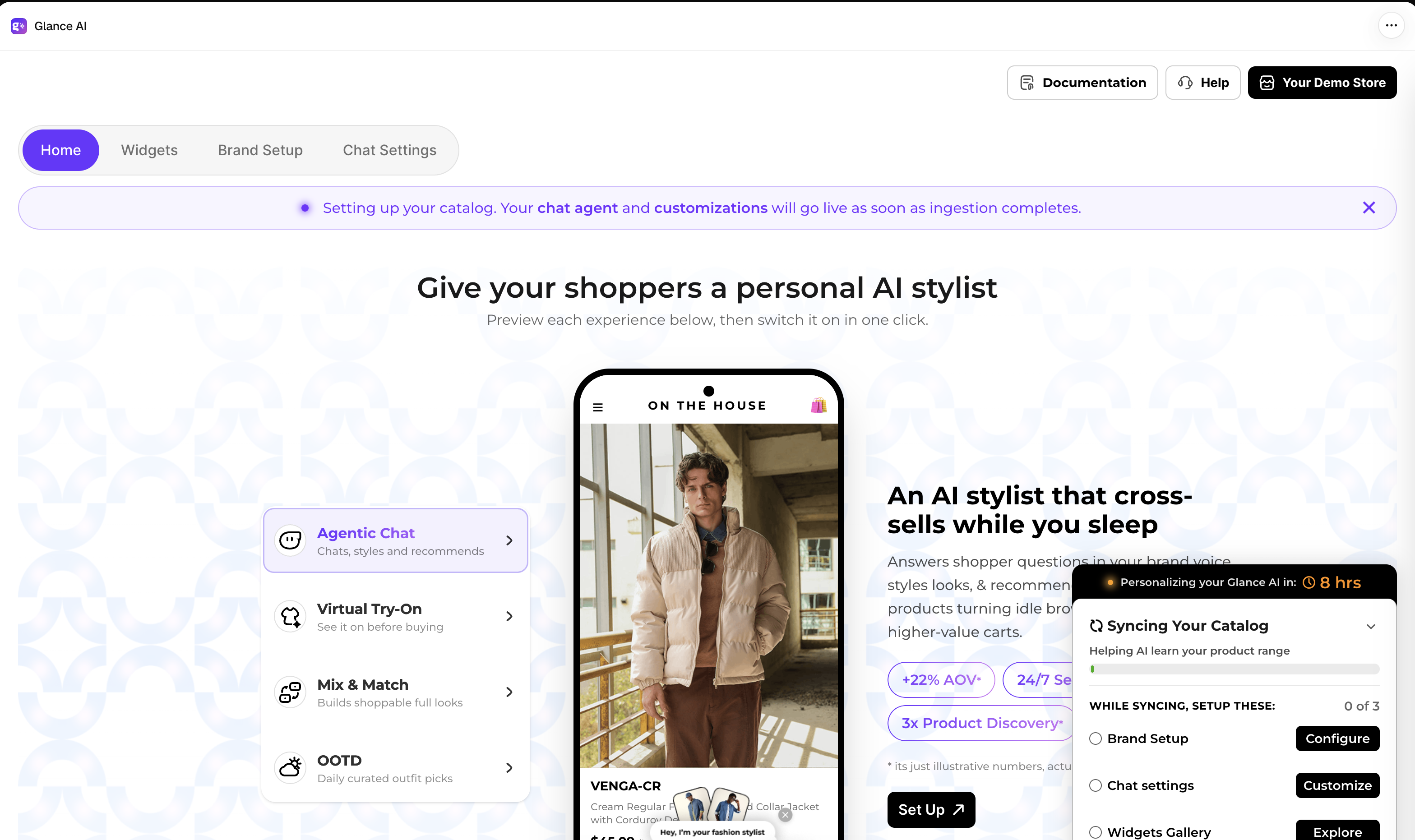
On the home page, a banner shows that your catalog is being set up, and the Syncing Your Catalog card tracks progress. While it runs, you can proceed with the further steps.
When ingestion completes, the banner turns green and the card shows Catalog sync completed.